Bunnings Delivery Alternative in NZ – Get Hardware Delivered

Post a Bunnings store pickup on SENDIT, compare quotes from verified local drivers, and arrange collection and delivery to your address.
SENDIT is an independent delivery app and is not affiliated with, endorsed by, or partnered with Bunnings or any hardware retailer.
- Verified drivers
- Set a price or get quotes
- Message your driver
- Pay through SENDIT
- Pickup & delivery photos
When a Bunnings purchase still needs a vehicle
Click & Collect and in-store purchases save shipping fees, but you still need to collect — especially for bulky timber, tools, and materials.
Bulky items need space
Timber lengths, sheet materials, and large boxed items often need a ute or van rather than a standard car trip.
Click & Collect timing
Your order may be ready before you can get to the store. A driver can quote on collecting when the order is confirmed ready.
Third-party collection rules
Stores may require order details and ID from whoever collects. Share collection information with your chosen driver through SENDIT after you accept a quote.
You choose the driver
Drivers quote based on the item, vehicle fit, and route. Compare offers on price, vehicle type, timing, and ratings before you book.
Common Bunnings-style items posted on SENDIT
Bulky or awkward purchases where you arrange a driver to collect from the store.
- Timber and framing lengths
- Sheet materials and panels
- Power tools and boxed equipment
- Garden supplies and landscaping items
- Doors, fencing, and trellis
- Paint, fixtures, and trade consumables
How to arrange Bunnings pickup delivery on SENDIT
Place or confirm your store order, then post a SENDIT delivery when it is ready for collection.
Confirm your Bunnings order is ready
Complete your purchase or Click & Collect order and wait until the store confirms it is ready for pickup.
Post the pickup on SENDIT
Use the store address as pickup, your delivery address as drop-off, and add photos or a description of the order size.
Compare driver offers and share collection details
Choose the best quote, then share order number and collection details with your driver through in-app chat after confirming.
What to include from your Bunnings order
Share the details your chosen driver needs after you accept a quote — not before posting the job.
- Store name and pickup address
- Order number or collection reference
- Name on the order and any collection code
- Photos or description of item size
- Confirmation the order is ready for pickup
- Delivery address and access notes
Check Bunnings' current third-party collection policy before you post. SENDIT does not access Bunnings systems — you coordinate collection with your driver through the app.
Real hardware store pickups completed on SENDIT
Trade tools and retail collections delivered by verified drivers.
Examples of store-counter and Click & Collect style pickups where drivers quoted on the actual collection and delivery route.
Among these 5 completed delivery examples, prices ranged from $25–$125
Prices vary by distance, item size, urgency, access, and whether extra help is needed. This is a sample of published examples — not a complete price list or national average.
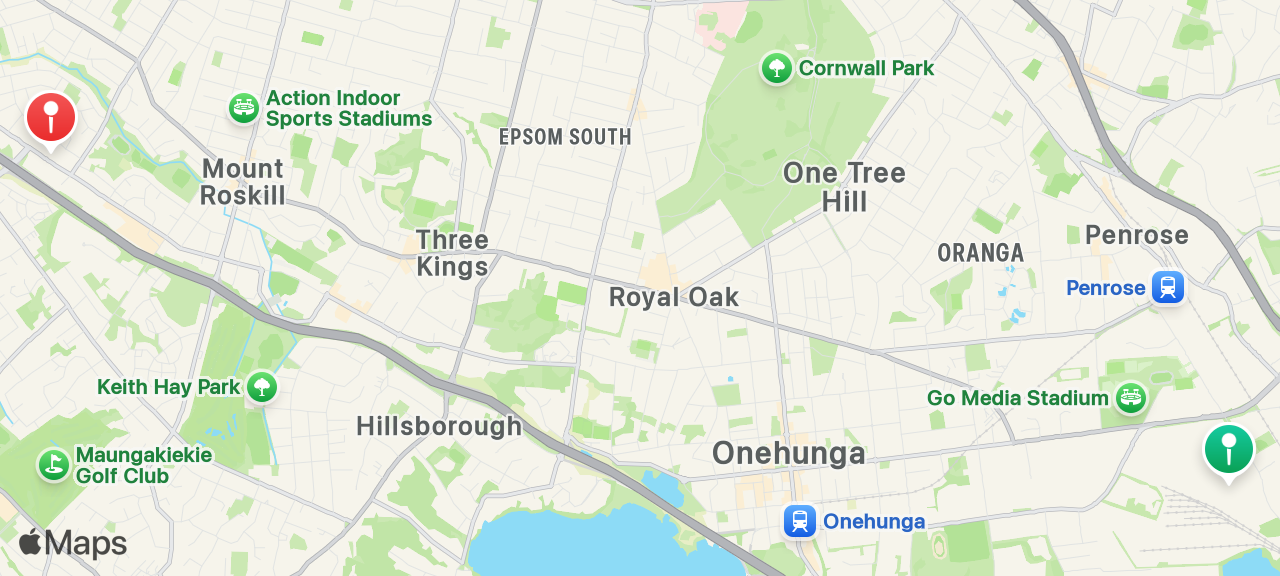
Metabo power toolset
Click & collect delivery
“Great experience my first time using the app and he even organised an issue at the store for me highly recommend this driver !”
Penrose
Wesley
Trellis
Furniture delivery
“Delivered promptly. I recommend George.”
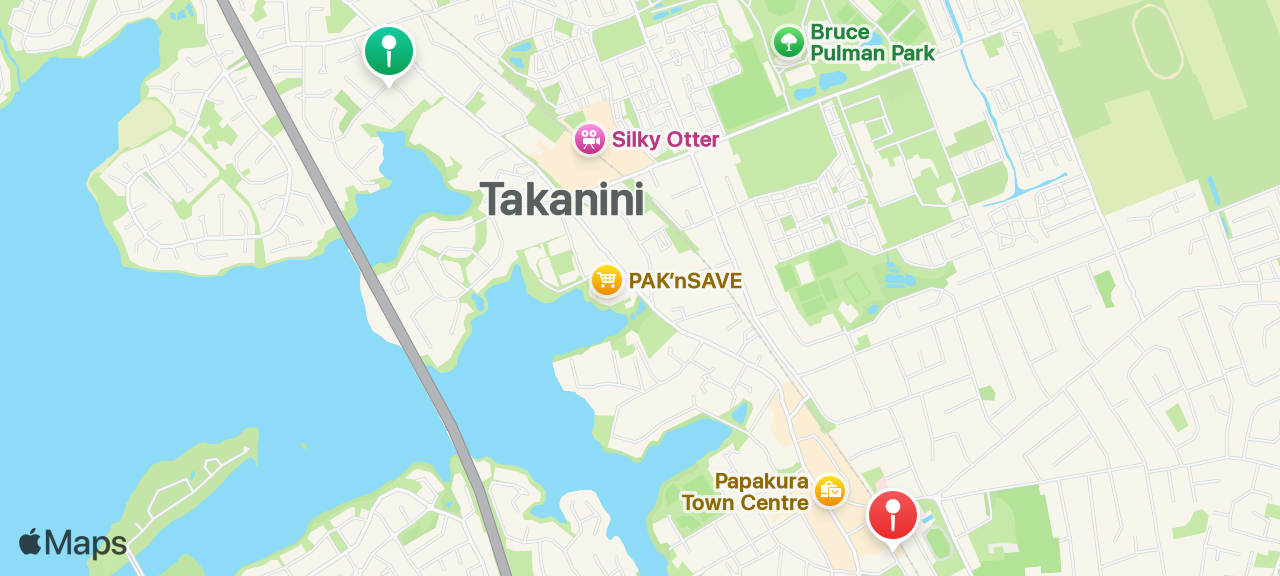
Takanini
Papakura
Interlocking rubber mats
Click & collect delivery
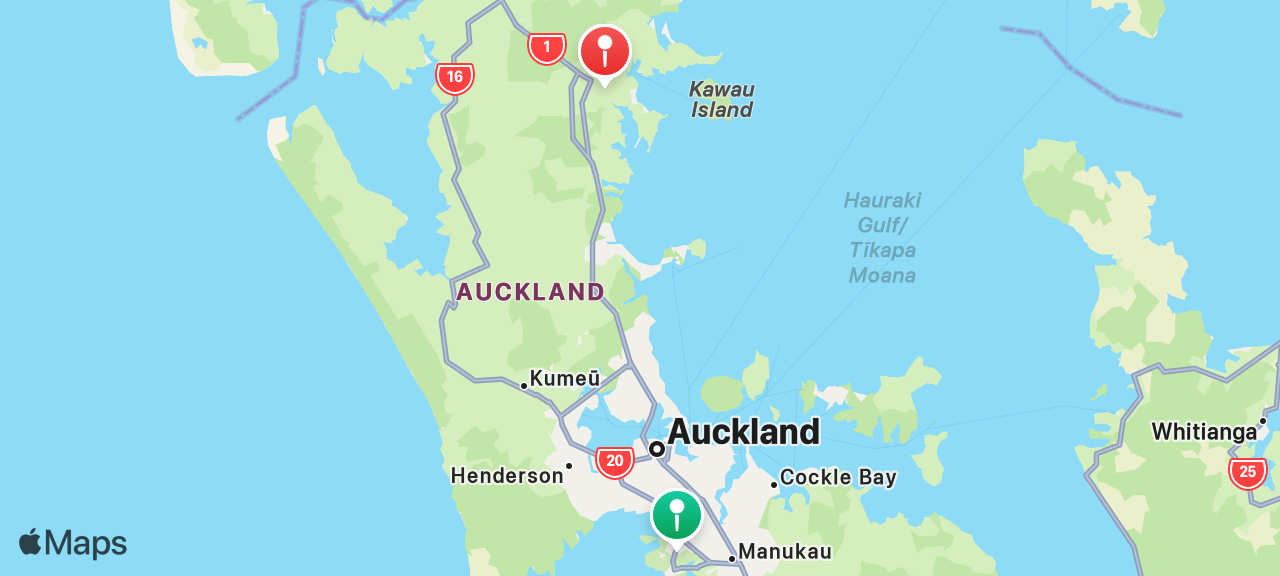
Māngere
Warkworth
Car doors
Click & collect delivery
“Awsome service, comms, quality very happy!”
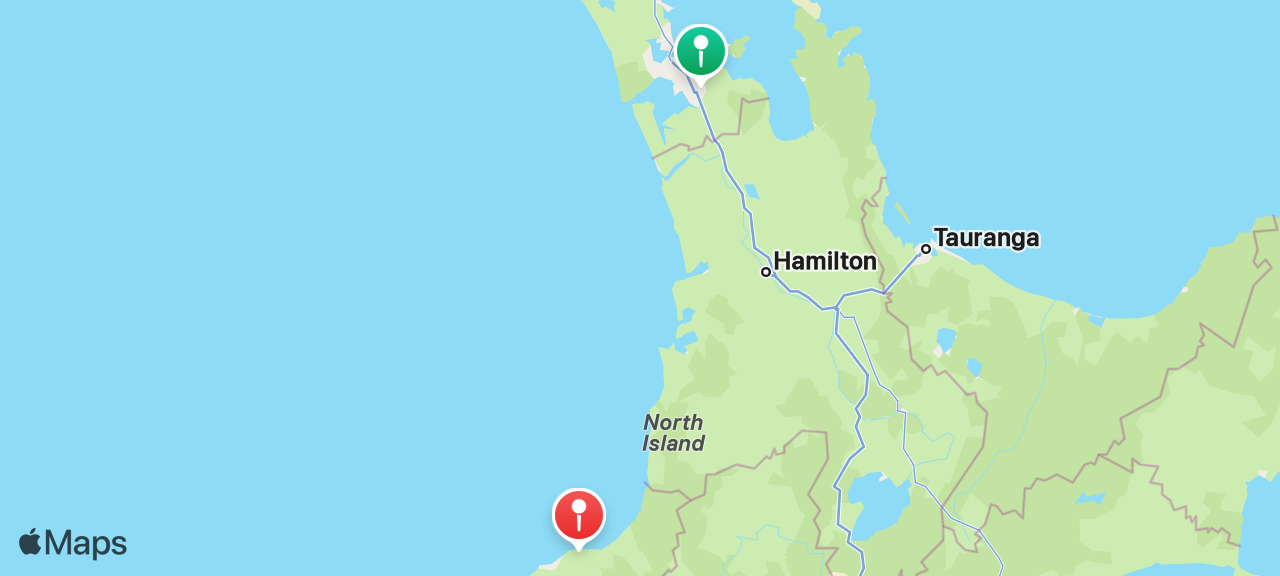
Flat Bush
Waitara
Fireplace Mantle
Click & collect delivery
“Very pleasant guy, good communication and very flexible on time.”
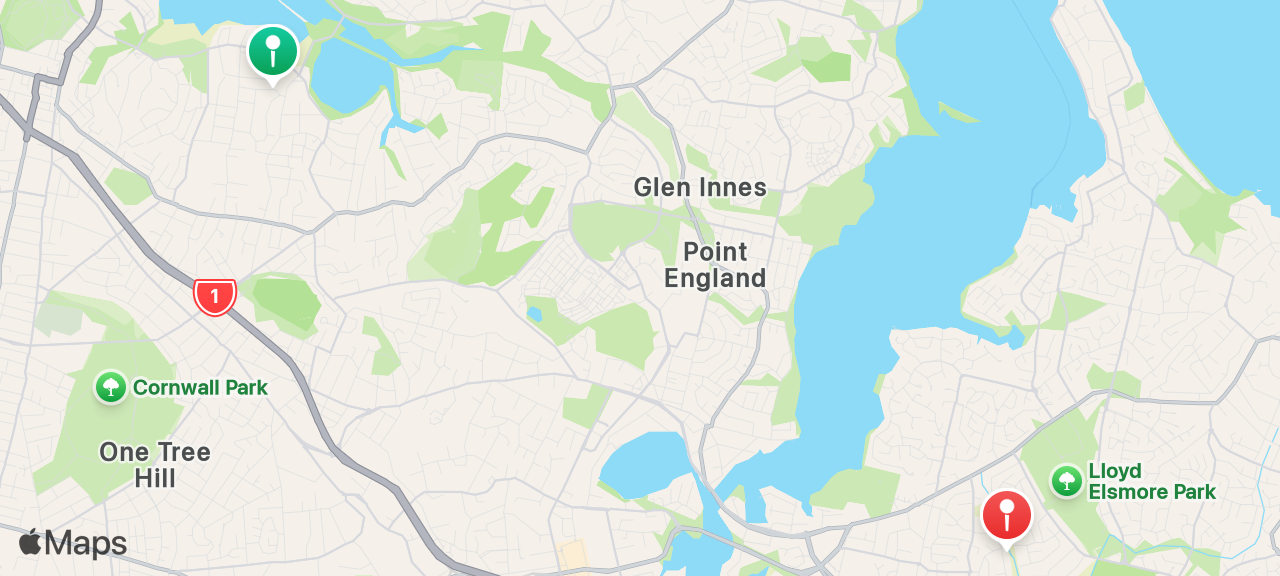
Remuera
Pakuranga Heights
Why use SENDIT?
One post connects your delivery with drivers on the road, while SENDIT keeps payment, communication and delivery confirmation together.
From posting to payout, the SENDIT model keeps the important parts of the job connected.
- 1
Post your job
Create one delivery listing instead of contacting multiple providers separately.
- 2
Set price or quotes
List the price you want to pay, or receive offers from drivers on the route.
- 3
Message your driver
Once connected, chat directly with the driver handling your goods before pickup and throughout the delivery.
- 4
Pay through SENDIT
You pay through SENDIT, not directly to the driver. After delivery, senders have 48 hours to raise a dispute before eligible funds proceed through payout.
- 5
Drivers log pickup photos through SENDIT when collection happens.
- 6
Coordinate timing, access and delivery details with the driver in the app.
- 7
Delivery confirmed
Drop-off photos uploaded through SENDIT confirm delivery to the agreed location.
- 8
48-hour dispute window
Senders can raise a dispute within 48 hours of delivery if something went wrong.
- 9
Eligible driver payout
After a delivery is confirmed complete, SENDIT holds payment for 96 hours on Standard before releasing it for driver payout (eligible SENDIT Pro members with active entitlement may have a 48-hour hold). Senders can raise a dispute within 48 hours of delivery. Payment processor and bank settlement times can vary.
- 1
Post your job
Create one delivery listing instead of contacting multiple providers separately.
- 2
Set price or quotes
List the price you want to pay, or receive offers from drivers on the route.
- 3
Message your driver
Once connected, chat directly with the driver handling your goods before pickup and throughout the delivery.
- 4
Pay through SENDIT
You pay through SENDIT, not directly to the driver. After delivery, senders have 48 hours to raise a dispute before eligible funds proceed through payout.
- 5
Drivers log pickup photos through SENDIT when collection happens.
- 6
Coordinate timing, access and delivery details with the driver in the app.
- 7
Delivery confirmed
Drop-off photos uploaded through SENDIT confirm delivery to the agreed location.
- 8
48-hour dispute window
Senders can raise a dispute within 48 hours of delivery if something went wrong.
- 9
Eligible driver payout
After a delivery is confirmed complete, SENDIT holds payment for 96 hours on Standard before releasing it for driver payout (eligible SENDIT Pro members with active entitlement may have a 48-hour hold). Senders can raise a dispute within 48 hours of delivery. Payment processor and bank settlement times can vary.
SENDIT is an independent delivery app. It is not affiliated with, endorsed by, or partnered with Bunnings Limited or any other hardware retailer. “Bunnings” is used to describe a common customer pickup scenario only.
Frequently asked questions
Common questions about arranging Bunnings pickup delivery through SENDIT.
Ready to post a Bunnings store pickup?
Add your order details, compare quotes from verified local drivers, and choose the best option with secure payment and photo proof.
- Verified drivers
- Compare quotes
- Secure payments
- Photo proof
- Built in NZ